
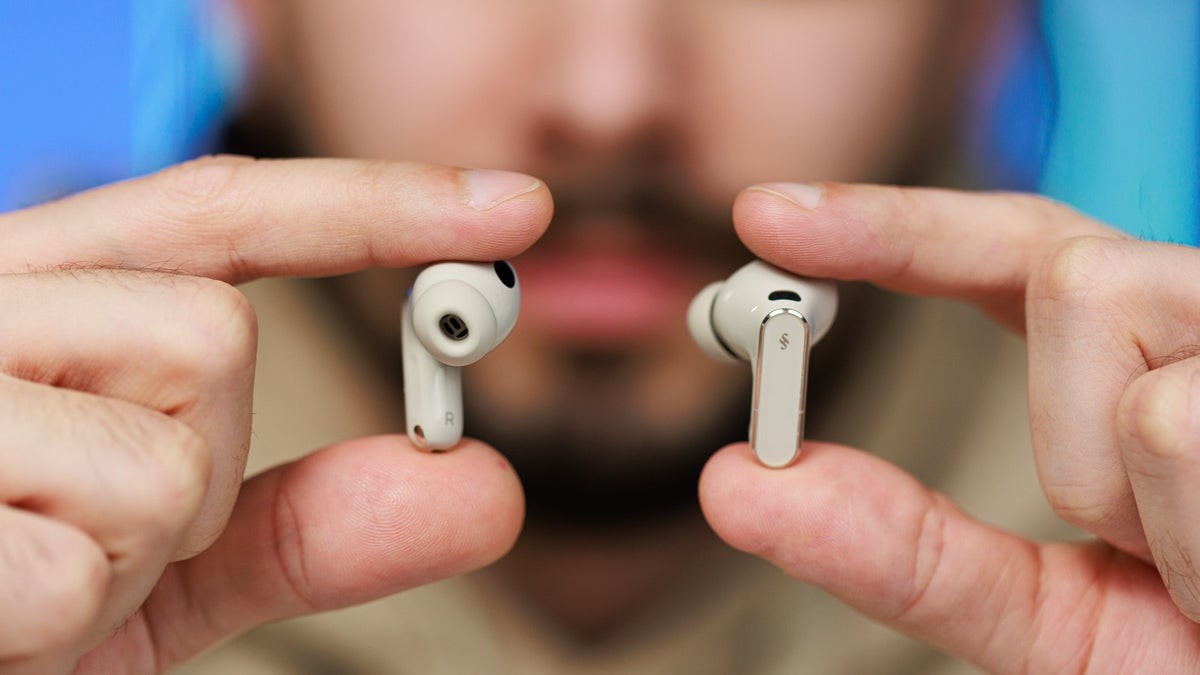
These earbuds are extremely comfortable — and that’s coming from someone who usually finds in-ear headphones either painful or constantly slipping out. Huawei reportedly analyzed more than 10,000 ear profiles to sculpt these buds for optimal fit, anchoring them at data points where ear canal overlap is most common.
The sound? Very, very good. The buds use a third-generation audio chip with dual DSPs that independently process bass and high frequencies, reducing crossover distortion and noise. You also get active noise cancellation (ANC), touch controls, gesture navigation, strong battery life, and a competitive price.
I’ve always wanted a true AirPods alternative — and these might just be it. Let’s dig in.
FreeBuds Pro 5 Design
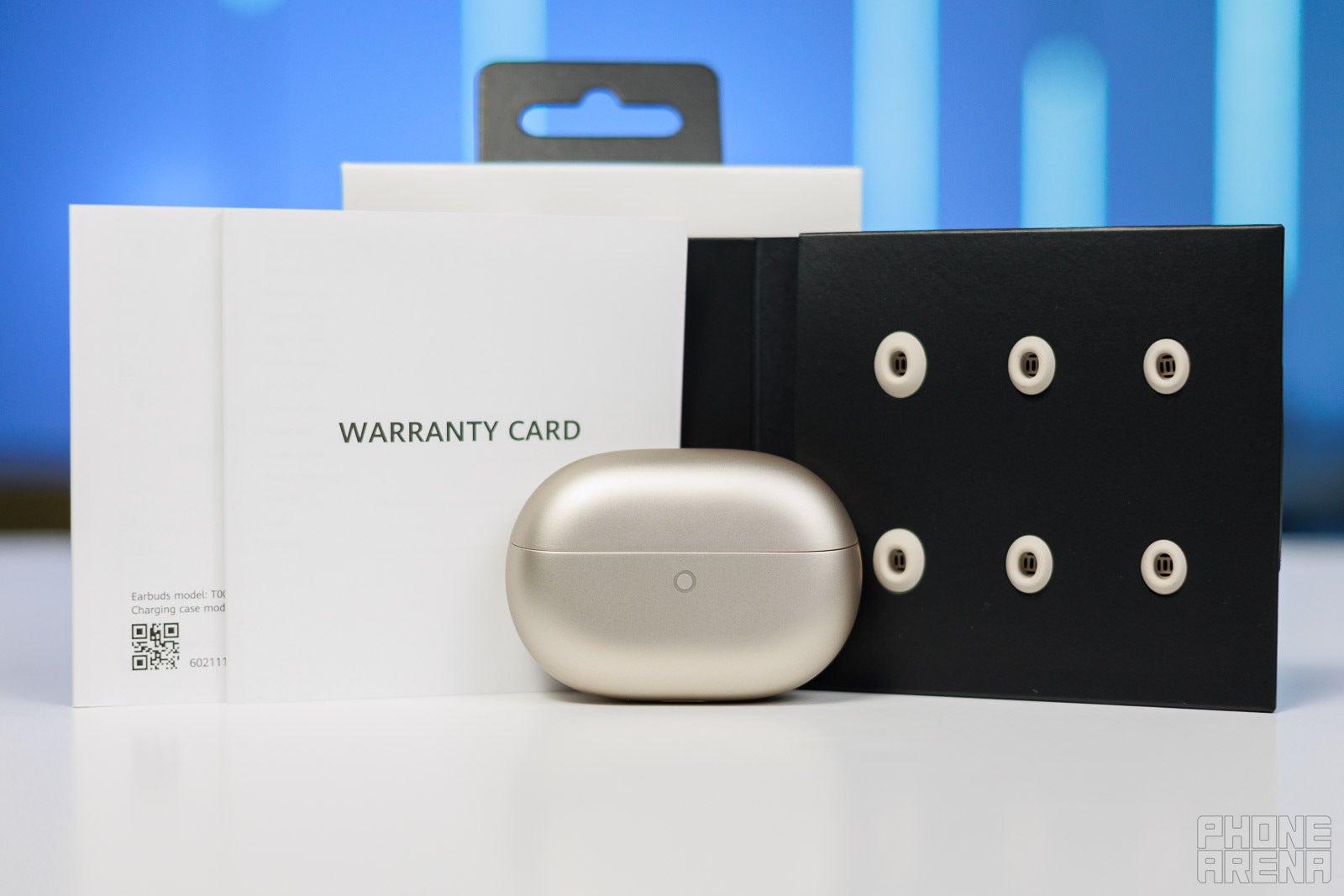
The FreeBuds Pro 5 come with four different tip sizes | Image by PhoneArena
The buds themselves have a sculpted, ergonomic design. You can clearly see the effort Huawei put into maximizing comfort. Each bud weighs around 5.5 grams and sits securely in the ear. The FreeBuds Pro 5 comes with a great selection of tips in different sizes and even materials.
Listening experience and ANC
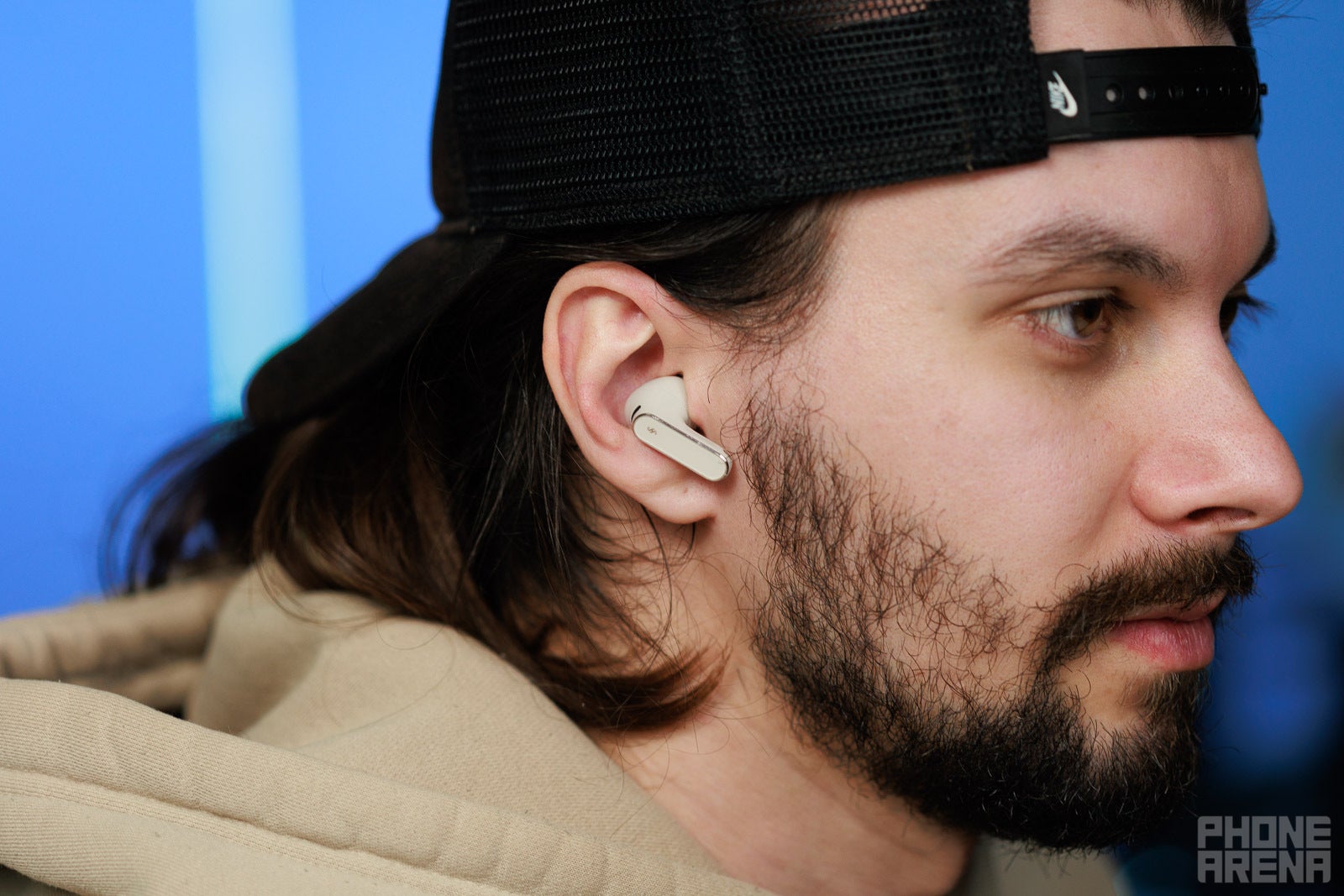
The fit plays a great role in the efficiency of the ANC | Image by PhoneArena
The FreeBuds Pro 5 are quite sophisticated when it comes to audio tech. The buds come with some really clever hardware and software audio features. The automatic wear detection is nothing new, but the buds can also detect the surrounding soundscape and adjust the volume and/or the EQ to compensate and give the best audio quality.
There’s also head gestures – you nod to take a call and shake your head to decline one. The gesture controls are pretty intuitive and I found them quite precise. You swipe on the stem to adjust the volume, double and triple-tap to play/pause and skip songs, press and hold to wake your preferred voice assistant, etc.
You can also customize all of these on each bud if you’re used to a different control scheme, so there’s great flexibility on the gesture control front. Time to talk about the noise cancellation, as this tech can be tricky on earbuds.
The ANC has four different modes, including smart dual-core, which is based on your surroundings and dynamically adjusts the level of noise cancelation. Then there are the usual ones — Cozy, General, and Ultra, which are pretty self-explanatory.
You can manually turn off the ANC and also switch on the Awareness mode. What this does is use the noise-cancelling microphones to pass external sounds to your ear, giving you extra awareness (pun intended) in situations where you might need it.
FreeBuds Pro 5 sound quality

These two little buds sound great | Image by PhoneArena
On the software and codec side of things, the Huawei FreeBuds Pro 5 support Huawei’s own high-resolution L2HC 4.0 codec. If you have a Huawei phone that supports it, you can achieve a 2.3 Mbps transmission speed and 48 kHz/24-bit lossless sound quality. You can also enjoy Spatial Audio (similar to Apple’s Spatial Audio) and some neat features such as real-time voice translation.
Pairing the FreeBuds Pro 5 with other brands of phones will get you 990 Kbps and LDAC, which is pretty decent as well. In terms of EQ presets, there are plenty to choose from, and you can also create your own using the 10-band custom EQ mode.
I found the best results in terms of sound quality using the Huawei Sound Classical preset and ANC on, but there are presets that emphasize the bass frequencies, voices, etc. There’s also a movie mode and a gaming mode, so you can game with these buds (they also have a low-latency mode specifically designed for gaming).
My favorite jazz-folk band, The Amazing Devil, sounds amazing (another pun, not intended this time) through the Huawei FreeBuds Pro 5. The soundscape is quite wide and rich; I was able to hear all the orchestration with great separation and quality.
I tried some DnB tracks (the Sound Bass mode is great for those) and also my high-school heavy metal love – Judas Priest. No matter what I threw at the FreeBuds Pro 5, they managed to produce clear and detailed sound, and it required minimal tweaking from my side.
You can also use them to listen to podcasts, YouTube videos, cooking instructions, or just voice calls. The quality is great in all of those scenarios, which takes us to the next part of the review. How long do these buds last on a single charge?
FreeBuds Pro 5 battery life
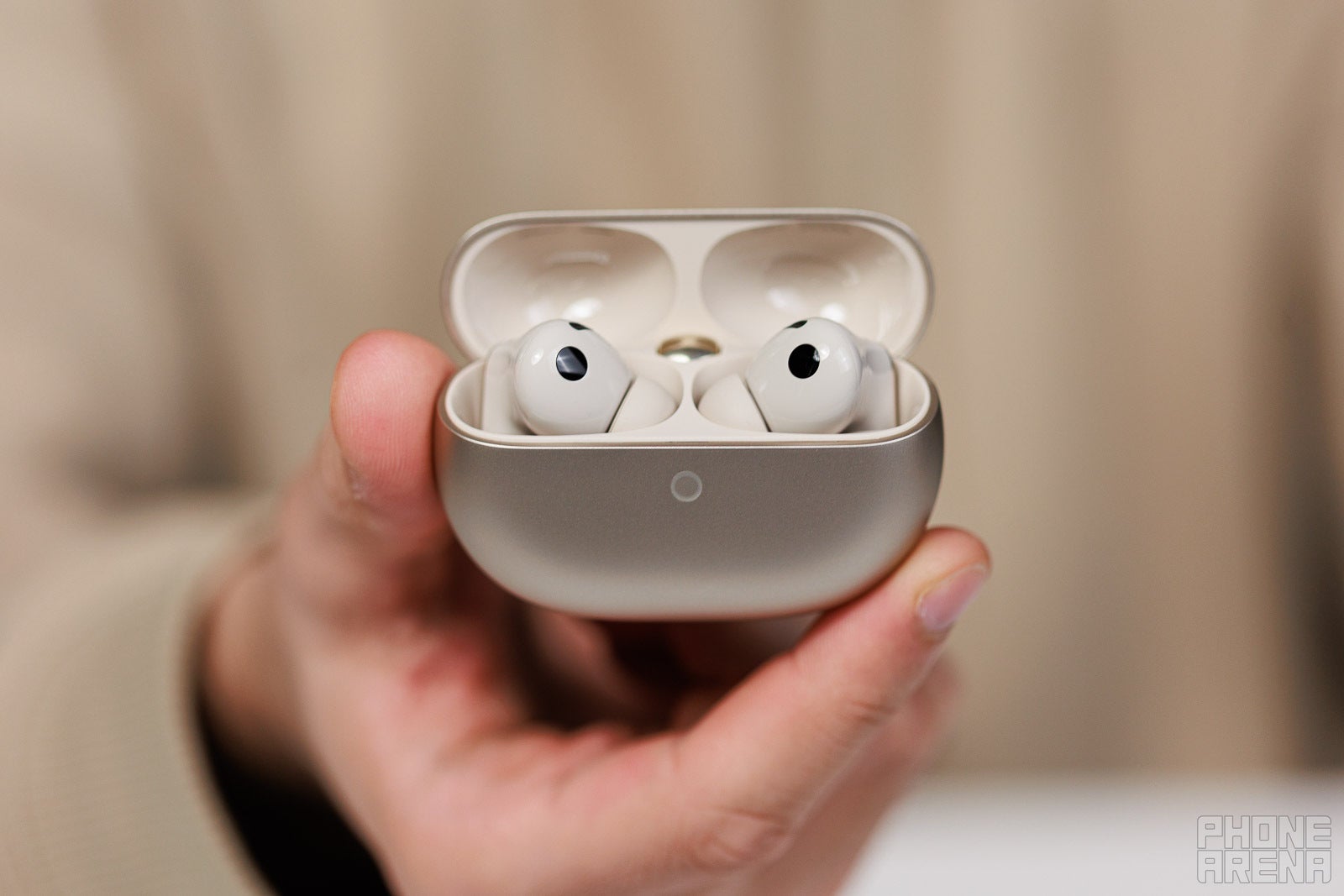
You can get 6-7 hours with every single feature on | Image by PhoneArena
I’m sure if you turn all the enhancements off, don’t use ANC, and listen with 50% volume, you can get to those advertised 9 hours, but I advise against it. You need to experience all the features and get the best sound possible.
The buds charge quite quickly too; you can get them back to 100% in about half an hour, and the case offers 4 to 5 charges before needing a charge itself. Which can be done via a USB-C cable or wirelessly, so a lot of flaxibility here as well. So, turn everything on and enjoy!
Should you buy the Huawei FreeBuds Pro 5?

A great AirPods Pro alternative | Image by PhoneArena
👇Follow more 👇
👉 bdphone.com
👉 ultractivation.com
👉 trainingreferral.com
👉 shaplafood.com
👉 bangladeshi.help
👉 www.forexdhaka.com
👉 uncommunication.com
👉 ultra-sim.com
👉 forexdhaka.com
👉 ultrafxfund.com
👉 bdphoneonline.com
👉 dailyadvice.us